Canon printers have a reputation for reliability and for good reason. But that reputation only holds when the machine is given basic attention over time. Most printer failures are not sudden. They start failing slowly which may be due to the daily habits of how you manage your printer. This is where today’s article becomes important where we discuss how to make your Canon printer last longer with simple daily habits and some technical ones.
Small Warning Signs Are Worth Acting On
Unusual sounds during a print job, error codes that appear without obvious cause, paper that misfeeds repeatedly, output that looks different from one print to the next — these are not things to dismiss. Canon printers are fairly communicative when something is developing internally. The instinct to keep printing through minor errors tends to turn a manageable issue into a costly one. Running the built-in diagnostics when something seems off, or looking up what a specific error code means, takes very little time and frequently prevents the kind of damage that shortens a machine's working life by months.
Regular Use Is Better for the Machine
Do you know a printing machine can perform better when it is used regularly instead of being idle for a long time? It seems contradictory but it is actually true and this is something many Canon printer owners get wrong. In practice when a printer is left unused for weeks at a time, the ink gradually dries out in the print heads, resulting in an ink buildup. The buildup can restrict flow, affect the quality of output and can eventually cause damage that is expensive to reverse. Printing once a week, even if it's only one page, keeps the ink flowing and the heads working properly. It’s one of the easiest maintenance habits and one of the most persistently ignored.
Paper Problems Cause More Damage
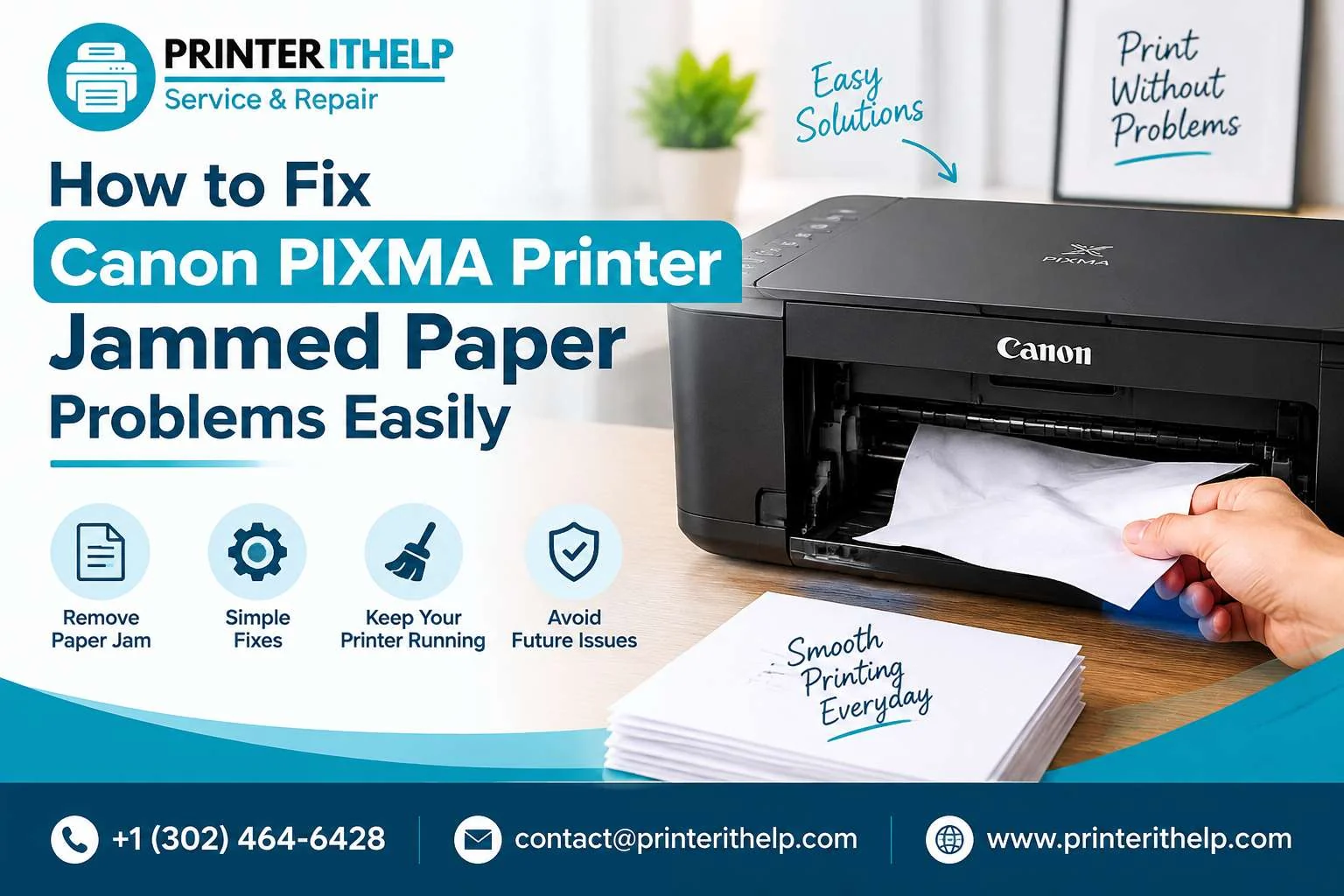
A Canon printer paper jam is rarely just bad luck. In most cases, the problem is how the paper is loaded, its condition, or whether it is compatible with the machine. Overfilling the tray is a common mistake. So is using paper that has been sitting in a humid storage area. Moisture-affected paper bends unpredictably as it feeds through, which is how Canon jammed paper situations develop even when the tray looks perfectly loaded.
Clearing jams incorrectly compounds the problem. Pulling paper out too quickly tears it and leaves fragments inside the feed path. Those fragments cause the next jam, and the one after that. Canon provides specific clearing instructions for each model, and following them properly, opening the right panel, removing paper in the direction of the feed path, checking for remaining pieces take a few extra minutes but prevent the kind of recurring damage that accumulates quietly over months.
Paper storage matters too. Leaving paper outside its packaging in a room with temperature fluctuations affects how it behaves inside the machine. Keeping it sealed until use and away from direct heat is a small habit that removes a consistent source of Canon printer paper stuck errors before they start.
Drivers and Firmware Are Not Optional
Software issues account for a larger share of Canon printer problems than most users expect. The Canon printer driver is unavailable error is one of the more disruptive examples. It typically surfaces after an operating system update changes something in the communication pathway between the computer and the printer. The hardware itself is fine. The driver simply has not kept pace with what the system now expects from it.
Checking Canon's official support page for driver updates after any major OS update takes a few minutes. Firmware updates work alongside this by addressing known issues within the printer's own internal software. Skipping both for extended periods leaves the machine increasingly out of step with the environment it is operating in, and the errors that result from that gap are easy to mistake for hardware failure when they are actually entirely preventable.
Prevent Dust and Debris to Build Up
The printer's interior is a complex machine comprising many moving components and parts that must work together closely. Dust particles that have been drawn into the paper tray or ventilation points will accumulate on the rollers and feed elements and will eventually cause paper handling problems. Cleaning with an external dry lint-free cloth prevents surface accumulation from working inwards. When it comes to print-head maintenance, Canon's built-in print-head cleaners take the chore of gently cleaning the parts without any direct access to internal components. A cleaning cycle is performed as soon as output quality begins to show streaks or gaps, which helps to prevent problems from becoming hardware issues.
Some Problems Need a Professional Eye
Not everything is solvable through standard maintenance steps. A Canon printer paper jam that keeps returning after every clearance, a Canon printer driver unavailable error that reappears after every system update, or a setup issue on a machine that has recently been moved to a new network — these situations benefit from proper diagnosis rather than repeated trial and error.
Printerithelp.com provides online printer support for Canon and other major brands, handling everything from persistent paper feed errors to driver conflicts and full printer setup support. Instead of cycling through fixes that do not address the actual cause, our technicians assess what is actually happening and work through it directly. For problems that have already resisted basic troubleshooting, that kind of targeted support resolves things faster and stops the issue from developing further in the meantime.
Conclusion
Canon printers are built to last, but they need consistent attention to actually deliver on that. Using the machine regularly, handling paper and jams correctly, keeping drivers and firmware current, and responding to warning signs early are the habits that separate a printer that lasts five years from one that struggles through three. When something goes beyond what basic maintenance can address, professional support is worth getting early rather than late. Visit Printerithelp.com to connect with a specialist who can help you keep your Canon printer performing well for as long as possible.