Printers are very sensitive devices that may cause issues like sudden closure, paper jam, or showing offline even when ink is available. It is easy to look past a machine that is slowly breaking down, but an old, unreliable printer is basically a hidden burden on your daily business. Companies often put off buying a replacement because dealing with office technology feels like a massive task. However, if you actually sit down and look at the financial math, bringing a dying machine along always costs way more than making a clean break.
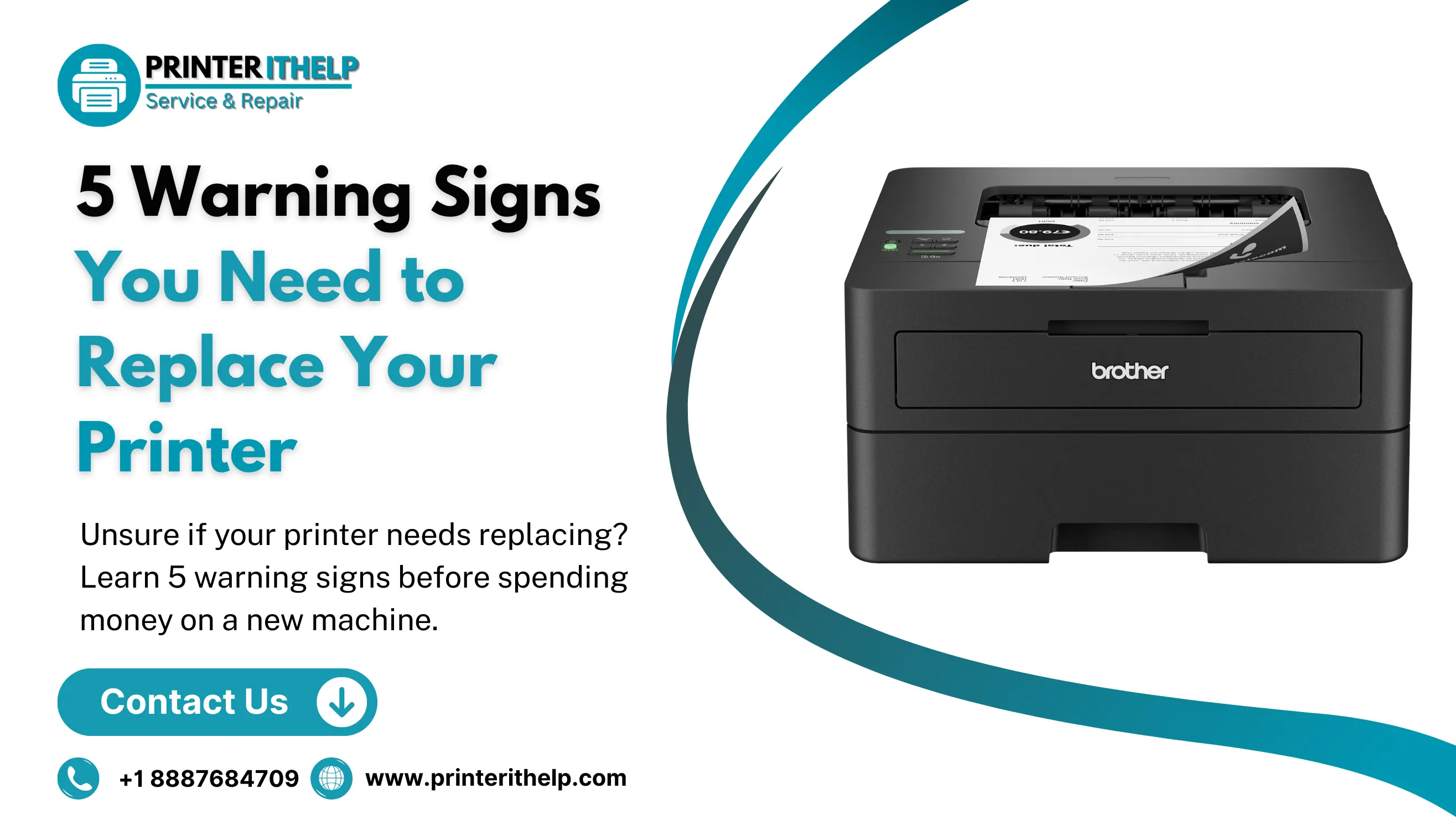
If you are trying to figure out whether to call a technician one more time or finally replace your printer with a new one, you need to check how it affects your daily workflow. Here are five practical signs that your current printer needs to be replaced ASAP.
5 Warning Signs Should Not Ignore
In a printer, some issues are configuration errors, some are driver conflicts and some are solved with a single phone call to a printer support online service. But certain patterns, particularly when they repeat over weeks or months despite your best efforts, tell something else. Here is what to watch for.
1. High Cost of Daily Printings
If your printing costs go way high due to irregular printing, waste paper due to quality, fast ink discharge, etc. Legacy printers are terrible at managing ink and toner, burning through expensive cartridges much faster than newer models on the market. On top of that, as specific hardware lines get older, manufacturers stop making the compatible cartridges in bulk. This supply drop causes store prices to skyrocket, meaning you end up paying a massive premium for small, low-yield refills just to keep a legacy machine alive.
Take a hard look at what you are spending on toner. If a single order of fresh cartridges costs almost as much as buying a brand-new, efficient system, you are trapped in a bad loop. Moving to an ink tank setup or a high-efficiency laser printer changes your numbers immediately. Modern machines are built to make every drop of ink last, bringing down your cost-per-page and protecting your bottom line.
2. Constant Paper Jam
Dealing with a bad feed every now and then is just part of working in an office but when clearing out paper jams becomes a regular morning routine, the internal hardware is physically finished. Inside every printer is a delicate network of rubber rollers, plastic wheels, and heating elements. Over years of printing heavy reports and daily paperwork, these parts dry out, warp, and lose their grip entirely.
Once that wear and tear sets in, you get stuck in a loop of shredded paper, constant error codes, and messy streaks across client copies. The real issue here isn't just the price of replacement parts; it's the lost productivity of your staff standing around a broken machine. If your team has to rely on weird office hacks like feeding sheets one by one or pulling out trays to reset the system, the hardware has reached its logical limit.
3. Security May Be the Reason
It is easy to forget that modern office printers are essentially networked computers with a paper tray attached. They process sensitive employee records, cache copies of customer contracts, and link directly to your corporate email network. Because they sit right on your main Wi-Fi, an old printer with outdated defense systems is a prime target for digital intruders looking for an unmonitored backdoor into your company’s databases.
If your printer has been sitting in the hallway for more than four or five years, it likely lacks current network encryption standards like WPA3. On top of that, once a manufacturer labels an older model as legacy, they completely stop pushing out firmware updates to patch newly discovered software bugs. Leaving an unpatchable device active on your network exposes your entire business to data leaks and compliance risks.
4. Printing Machine Is Slow
In a fast-moving office, slow technology creates an expensive bottleneck that tests everyone's patience. Older printing units run on weak internal chips and tiny onboard memory cards. When someone tries to print a heavy PDF, a presentation with graphics, or a large batch of documents, the printer often sits completely dead silent for minutes at a time just trying to digest the data stream before it can even start moving paper.
If your employees are constantly waiting around the copy station for a lagging warm-up cycle or processing delay to finish, your equipment is holding back your business momentum. Modern workplaces need technology that reacts instantly. Upgrading to a current model gives you fast data rendering and rapid double-sided printing, allowing your staff to grab their hard copies and get straight back to their actual jobs.
5. Not Compatible With Cloud Workplace
The way professional teams work has shifted completely over the last few years, with businesses moving toward hybrid schedules and shared digital files. Most documents now live securely in cloud environments where they can be edited and opened from anywhere. If your office printer is still stuck in the past, it forces your employees to take unnecessary, annoying steps just to get a physical copy of their work.
A machine that needs a physical cable to connect to the internet or needs to use the old drivers that do not work well with the latest mobile apps and OSs is a pain for workplace flexibility. Your employees shouldn't be required to download a cloud file to their local desktop drives, reformat it, and then go to all the trouble of printing it out. New machines are designed to integrate with platforms such as Google Drive, OneDrive and mobile devices to cater to a mobile workforce.
Before You Replace Your Printer
Buying a brand-new setup for the office is a notable financial decision, so it is always smart to verify your options before signing a purchase order. A surprising number of major printer issues aren't actually caused by a broken mechanical part. Instead, issues like jammed print queues, corrupted computer drivers, or local network configuration glitches can make a perfectly functional machine act like it is completely dead.
For fast, dependable help with your current setup, consider getting in touch with Printerithelp.com. We specialize in on-demand online printer support, offering everything from deep system diagnostics and network troubleshooting to driver updates and performance configurations. Our virtual technicians can quickly step in to clear out stubborn system errors, re-establish dropped network connections, and resolve driver conflicts that cause your printer to stop responding.
Conclusion
An office printer should not be a pain in the neck or budget but a dependable machine that operates in the background and actually works for you. Although it may seem like the cost-saving choice, the true expense of slow data processing, high toner costs, security concerns, and regular machine downtime can prove to be much more costly than replacing the machine. A sensible decision for the business is the investment in the latest hardware which will guarantee the safety of your network, reduce your continuous costs, and enable your staff to focus on what's most significant.
Before you make any final equipment purchases, make sure you aren't just dealing with a simple configuration glitch that can be easily repaired. Reach out to the diagnostic professionals at Printerithelp.com today. Let our dedicated support team review your setup, optimize your system drivers, and help you find the most efficient and cost-effective path forward for your company's printing needs.