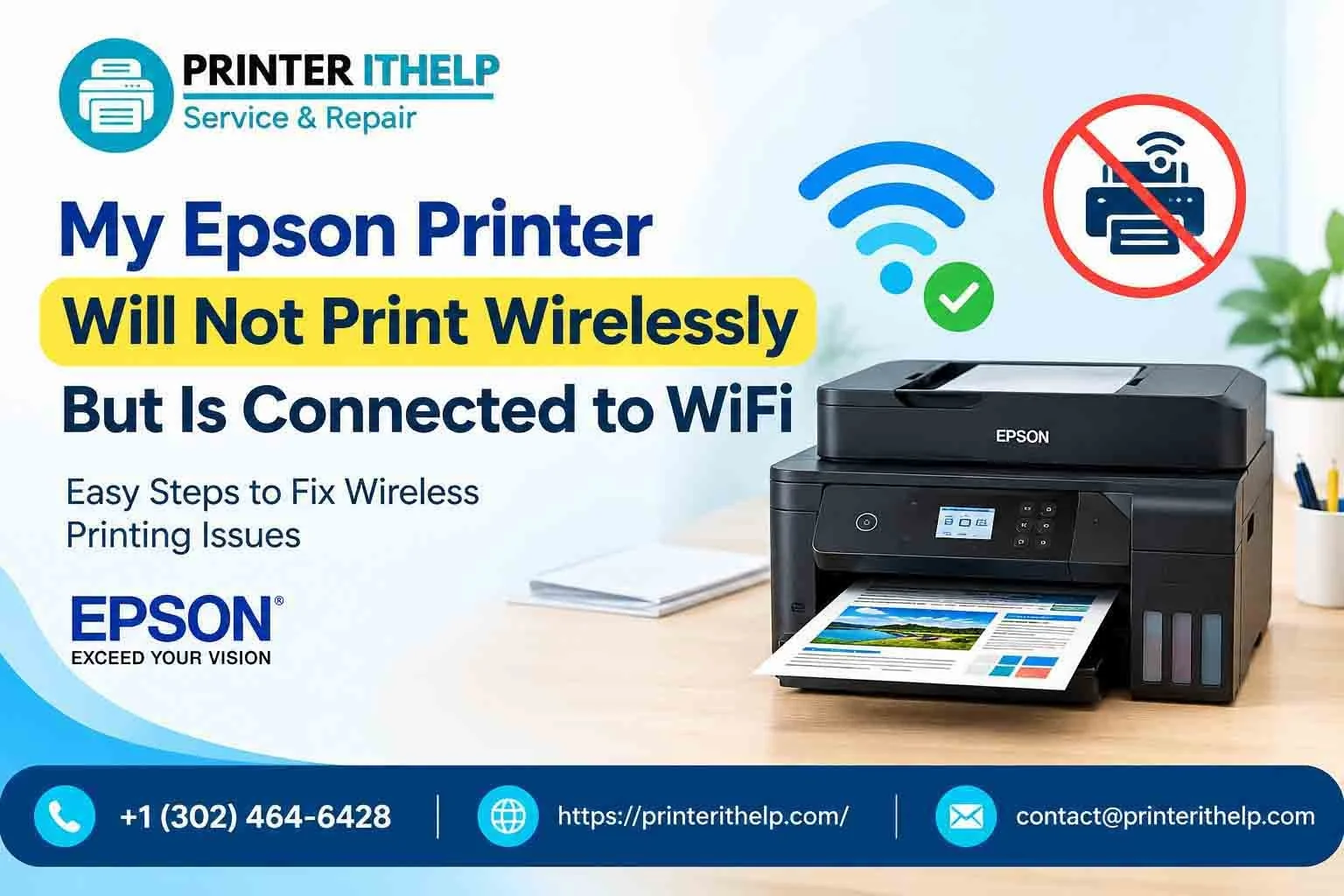
When you update your system such as Windows or Mac, in the hope of finding something good, you may discover another issue. You may find that your printer is no longer communicating with the system properly which may be possible after an update. Let's now consider what to do if your Windows or Mac has been updated and your Epson printer has stopped printing.
The situation becomes more vague when the printer is connected to WiFi and is detected by the computer. All looks normal until you attempt to print something.
In almost all instances, the printer is perfectly fine. The software and security features are automatically updated when the system or printer is updated. If nothing else, it can disturb the way computers and communicate with each other to finish the job.
Do Windows and Mac Updates Really Affect Printers?
Windows and Mac updates can directly affect printer performance because operating system updates often modify drivers, security settings, and printer communication protocols. When your operating system updates, it does more than add features or security patches. It can also replace drivers, reset permissions, modify network settings or restart background services connected to printing.
That’s why many people notice problems immediately after updating. Sometimes Windows installs its own generic printer driver during the update. The printer still shows up on the computer, but certain functions stop working properly. Other times, macOS changes security permissions and blocks communication between the printer and the system.
Wireless printers are even more sensitive to these changes. A tiny network interruption after an update can stop printing completely. But some basic fixes can do the work instantly instead of complex troubleshooting.
Printer Drivers Often Cause the Biggest Problems
One of the primary causes for an Epson printer not printing after an update is the driver. The driver is the primary communicator between the computer and the printer and it makes sure instructions are being directed to the appropriate computer and printer. Whereas the OS updates, the driver remains stuck in the past and the communication begins to break down.
Wireless Connection Problems Are Also Common
A lot of Epson printers today run over WiFi which makes updates a little trickier. After a Windows or Mac update, the printer may disconnect from the network quietly in the background. Most users don’t notice it immediately because the printer still appears online.
But when the computer and printer stop communicating properly, printing fails. This is especially common after router changes, network resets, or major macOS upgrades.
Sometimes the Print Queue Is the Real Problem
Sometimes one failed document gets stuck in the queue and blocks every other print request behind it. You keep clicking print, but nothing moves because the system is still trying to process the earlier failed job.
This is another reason people think their Epson printer stopped printing completely when the actual problem is much smaller.
Quick Fixes When Your Epson Printer Stopped Printing
We have talked about some of the potential causes of an Epson printer that won't print following a Windows/Mac update. Typically, there are no problems with updates that can only be fixed in the office or at the service station and many Epson printer problems can be resolved at home without any complicated troubleshooting. But if you are unable to do that, then you should seek Epson printer support rather than wasting your valuable time.
Restart the Printer and Computer
Restarting both devices refreshes the connection between the system and the printer. It sounds simple, but it works surprisingly often. Turn the printer off completely. Restart the computer too. Wait about a minute before turning everything back on. Temporary update glitches usually disappear after a full restart.
Check If the Epson Printer Is Still the Default Printer
Updates sometimes change the default printer automatically. Your computer may start sending print requests somewhere else without you realizing it. Open printer settings and make sure your Epson printer is selected as the default printer. A lot of users solve the Epson does not print issue with this step alone.
Reinstall the Epson Printer Driver
Fresh drivers solve many printing problems that arise after a Windows/Mac update. Download the latest driver directly for your Epson model and reinstall it properly. Avoid relying on very old drivers that were installed years ago. Many users take a consultation with the Epson Printer Assistant to find and resolve the driver issue quickly.
Clear the Print Queue
A stuck queue can block every new document from printing. Open the queue, remove all pending print jobs, then restart the printer before trying again. This fix works especially well when documents appear frozen forever.
Reconnect the Printer to WiFi
Wireless Epson printers may disconnect after updates without showing obvious errors. Reconnect the printer to the same WiFi network as the computer and make sure the signal is stable. Even a weak connection can interrupt printing. You can get more details on fixes when a printer fails to connect to WiFi.
Remove the Printer and Add It Again
Sometimes the printer profile itself becomes corrupted after an update. Removing the printer from system settings and adding it again creates a fresh connection with the operating system. This is often the fix for stubborn problems that refuse to go away.
Check for Epson Firmware Updates
Firmware updates help Epson printers stay compatible with newer versions of Windows and macOS. Older firmware can create communication issues after major updates. Installing the latest firmware improves stability and overall printer performance.
How PrinterITHelp Can Assist You When Epson Printer Stops Printing
PrinterITHelp assists users dealing with Epson printer problems after Windows and Mac updates. Sometimes basic troubleshooting is enough. Sometimes it is not. There are situations where driver conflicts, spooler failures, and network problems happen together. That’s when troubleshooting becomes frustrating and time-consuming.
PrinterITHelp helps users identify the exact issue instead of trying random fixes one after another. The support team can assist with:
• Epson printer assistant setup
• Driver installation problems
• Wireless printer troubleshooting
• Printer offline errors
• Windows and Mac compatibility issues
• Print spooler repair
If your Epson printer is not printing anything and the problem keeps returning, professional troubleshooting can save both time and stress.
Conclusion
After a Windows or Mac update, an Epson printer may cease to print which is infuriating, but it doesn't necessarily indicate that the printer is broken. The problem most of the time is due to updated drivers, an interruption in the communication or network settings during the update.
Simple steps like reinstalling drivers, clearing the queue, reconnecting WiFi or restarting the spooler solve the problem for many users.
And if the issue continues, PrinterITHelp can help get your Epson printer working properly again without unnecessary hassle.